
7 Steps to Get Started with Public File Sharing
Step 1: Subscript Public File Sharing Solution



Go to page Solutions to and scroll down to find Public File Sharing Solution.
Or go to Public File Sharing directly.
Step 2: Subscript Public File Sharing
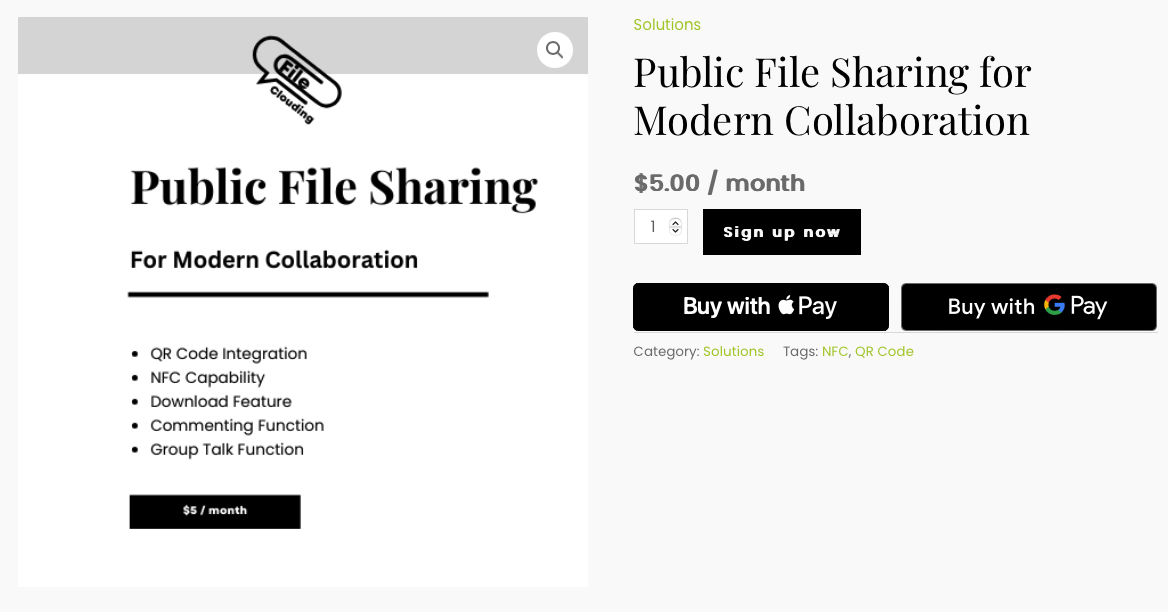
Click “Sign up now” button to add the plan to your cart.
Note: Apple Pay and Google Pay are enabled on our site for your payment convenience. You may don’t see them, if you don’t have them enabled.
Step 3: Pay For Subscription
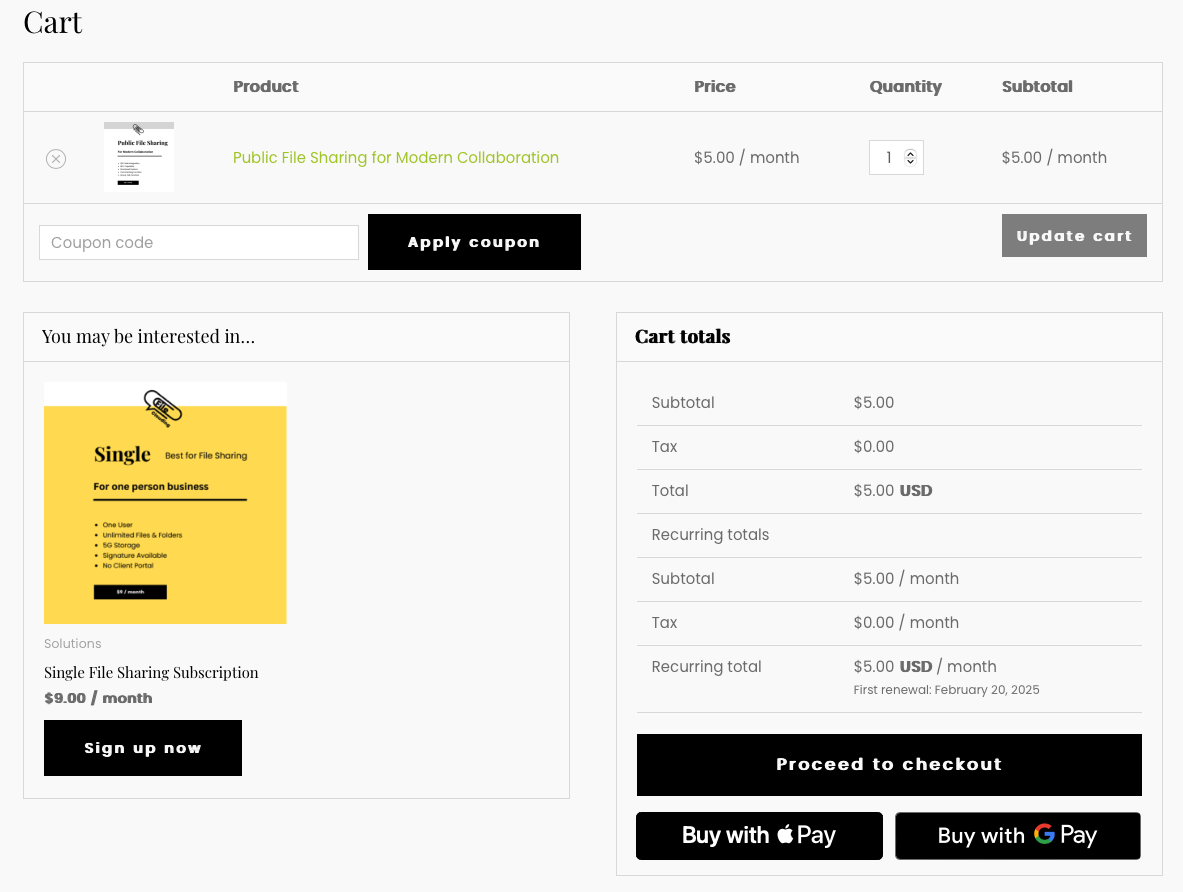
Go to your cart from the top of our website.
Double check the plan you want to subscript.
Put coupon code if you have one.
You will receive an email with the subject “Your FileClouding order has been received!”.
Note: Tax will be automatically calculated based on your address on your payment processing screen.
Step 4: Obtain Subscription Number

Login into your account.
Click “My Subscription” to check your subscription #.
Note: You can update your information, manage your subscription, and refer to your friends in your account.
Step 5: Submit Public File Online
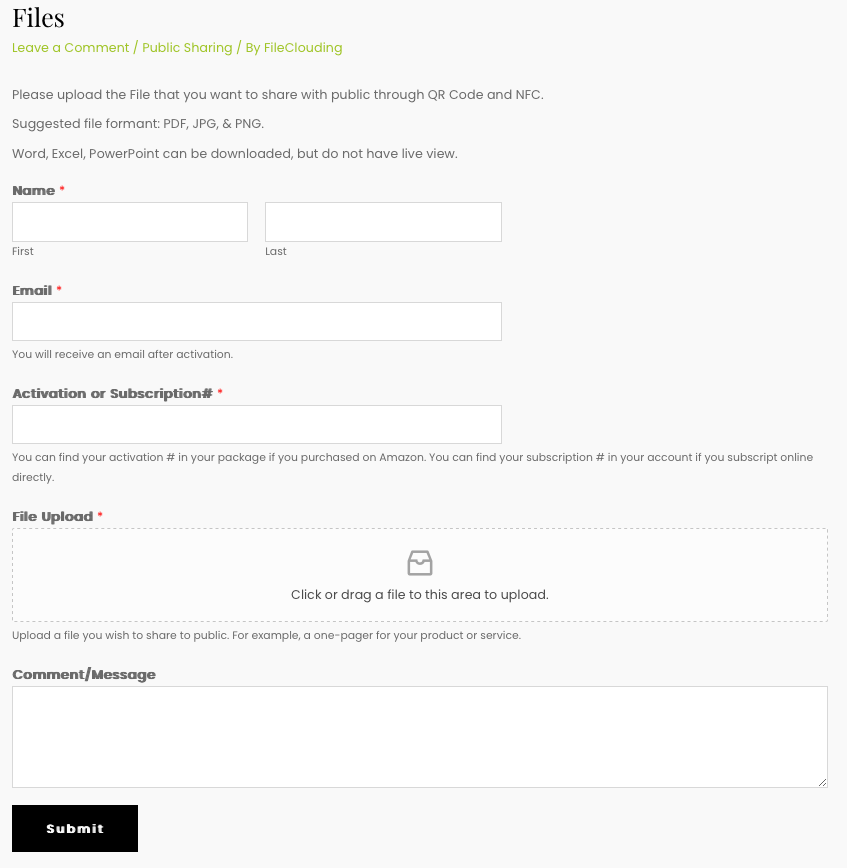
Go to FileClouding.com/files.
The subscription # is the subscription number obtained from Step 4.
Once your form is submitted, we will start to configure your file with your specific QR Code and NFC tag.
Note: Portal name can be changed by contacting support@fileclouding.com.
Step 6: Receive Your FileClouding Link and Digital QR Code through Email
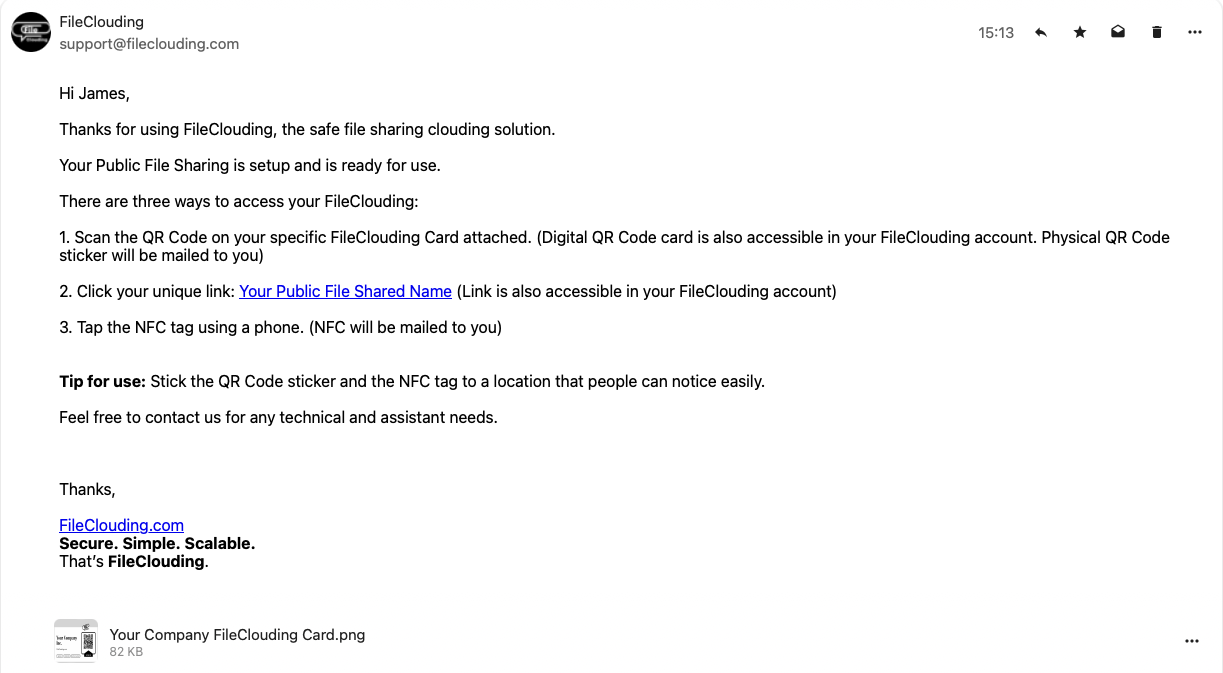
Your portal link and QR code is unique to you. Your portal is accessible to public.
Note: Public shared files are changeable. Simply upload new files through FileClouding.com/files, we will help you to craft new ones. Your QR Codes and access links stay the same.
Step 7: Receive Your Physical QR Code and NFC through Mail

Within this mail, you will see a Thank you Letter, QR Code sticker, NFC sticker, and a referral coupon.
Share the stickers with the public.
Note: QR Code and NFC tag are replaceable. If you lost them, send an email to support@fileclouding.com. (A fee may apply)
Use Case for Public File Sharing!
Recommended products
-
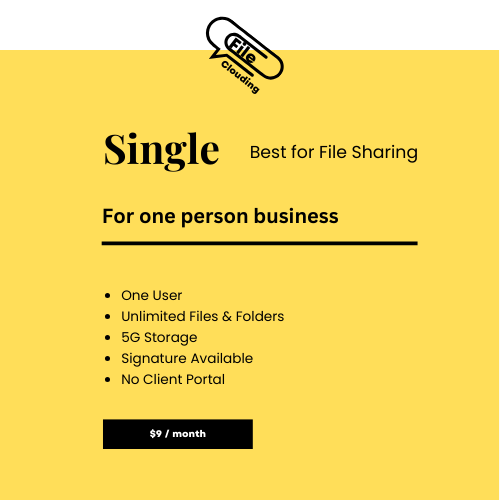
Single File Sharing Subscription
9,00 € -

Multiple File Sharing Subscription
35,00 € -

Group File Sharing Subscription
62,00 €